




Best Ransomware Protection for Windows Server 2025/2022/2019
Your Windows Server data is a prime target. Selecting the right ransomware defense is critical. This article compares built-in and third-party solutions to help you choose the best one.

By Lily Updated on April 24, 2026


Importance of Anti-Ransomware for Windows Server
Ransomware attacks have evolved from targeting personal PCs to focusing on high-value servers, making Windows Server protection critical. Here are the key reasons why implementing robust anti-ransomware measures on Windows Server is essential:
- Data Protection: Shields critical business data, databases, and applications from encryption and permanent loss.
- Uptime Assurance: Prevents costly operational downtime by maintaining server availability.
- Infrastructure Security: Safeguards Active Directory and prevents network-wide malware spread.
- Compliance & Defense: Helps meet regulatory standards and blocks advanced attack vectors.
- Rapid Recovery: Integrates with backups for quick restoration and minimal disruption.
5 Best Ransomware Protection for Windows Server
This part offers you the best ransomware protection for business, including built-in and third-party solutions.
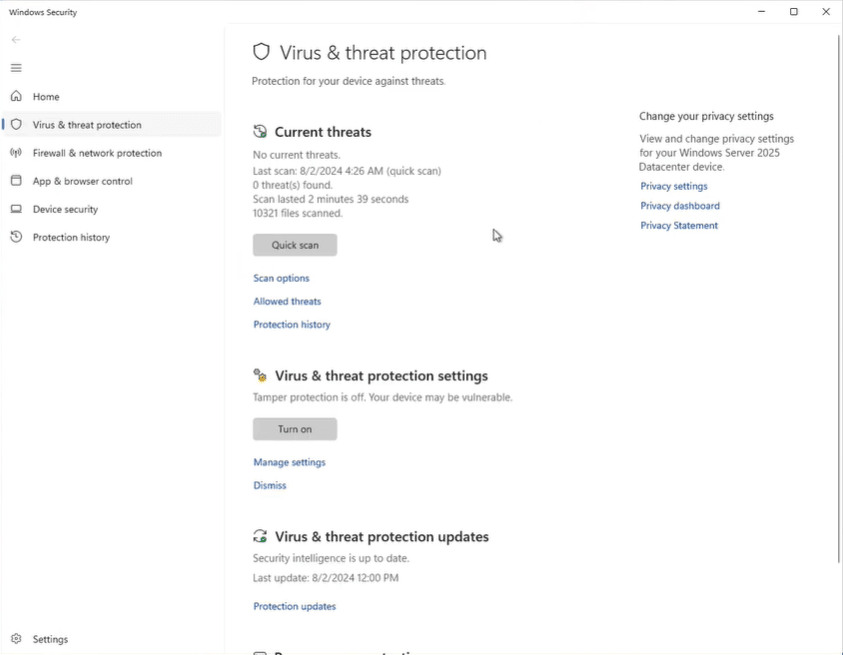
1. Microsoft Defender Antivirus (Server Version)
Microsoft Defender Antivirus is a comprehensive enterprise-grade security platform integrated into Windows Server. It provides real-time threat detection, behavior-based ransomware protection, and automated response capabilities.
|
👍 Pros |
👎 Cons |
🌟 Best For |
|
✔ Real-time protection against malware and ransomware ✔ Behavior-based detection for suspicious activity ✔ Integrates with Microsoft 365 Defender for centralized monitoring ✔ Automatic updates and threat intelligence from Microsoft ✔ Minimal setup for servers running supported Windows versions |
× Limited rollback or automated recovery for encrypted files × Can miss sophisticated ransomware variants targeting servers × Some advanced features require Microsoft 365 E5 licensing × Performance impact on heavily loaded servers if not tuned |
● Small to medium-sized businesses using Windows Server in standard workloads ● Organizations already leveraging Microsoft ecosystem for endpoint and cloud security ● IT teams seeking basic ransomware prevention without additional software |
2. AOMEI Backupper Server
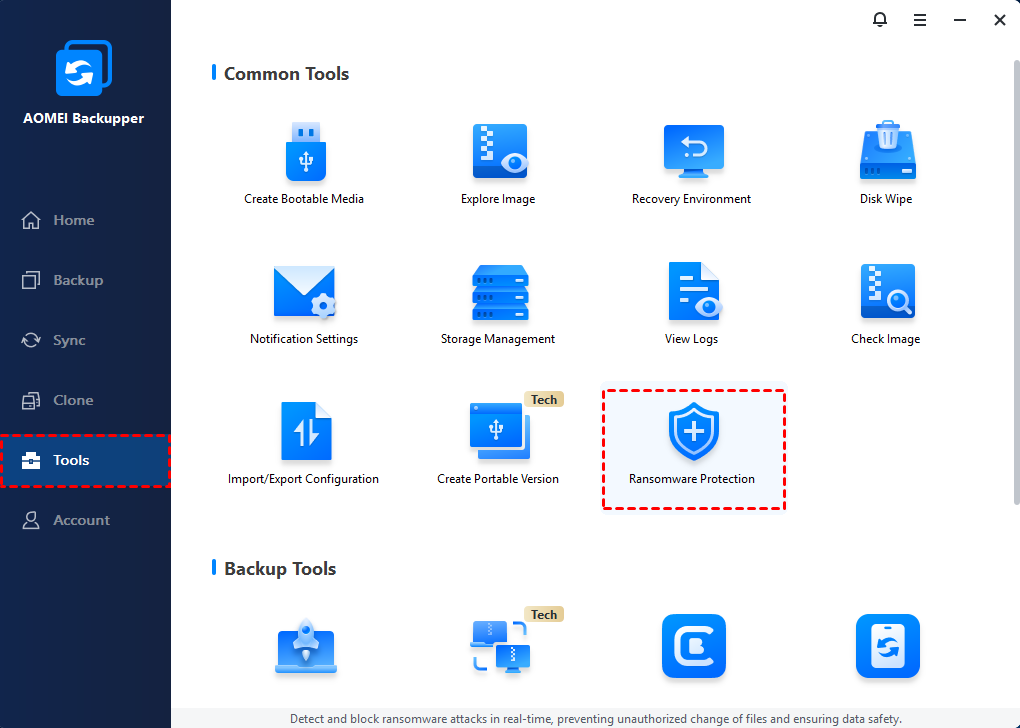
AOMEI Backupper Server is a dedicated Windows Server backup software integrated with the ransomware protection feature. It can not only create a Windows Server image backup but also protect the backup images and specific file types from ransomware.
|
👍 Pros |
👎 Cons |
🌟 Best For |
|
✔ Protects customized file types and directories ✔ Protects backups from being locked or deleted by ransomware ✔ Enables fast restoration of a server to a known good state |
× No real-time antivirus |
● SMBs and IT teams looking for cost-effective ransomware protection ● Organizations already setting up backups with AOMEI Backupper |
 AOMEI Backupper
Smart Windows Server backup software with ransomware protection capability.
3. Bitdefender GravityZone
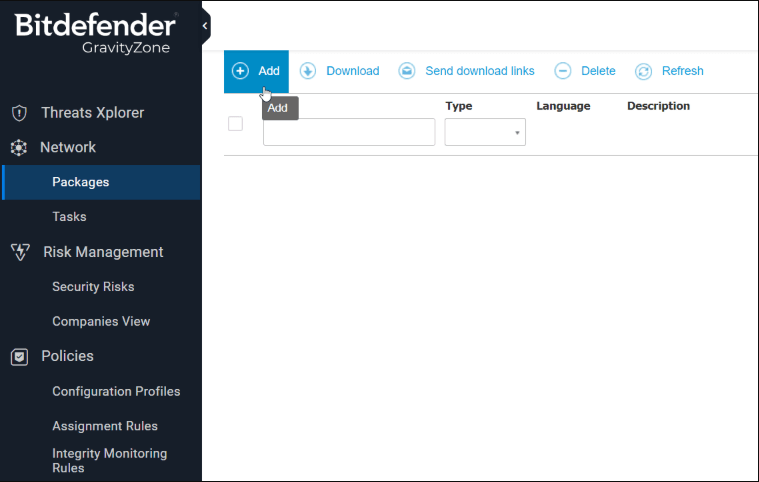
Bitdefender GravityZone is an enterprise-grade cybersecurity platform that combines advanced malware protection, behavioral threat detection, and ransomware mitigation capabilities into a unified endpoint security solution.
|
👍 Pros |
👎 Cons |
🌟 Best For |
|
✔ Includes real-time process monitoring, anti-exploit, and risk analytics, etc. ✔ Uses patented machine learning and heuristic analysis to identify malware and ransomware ✔ Uses cloud-based console for centralized management ✔ Scalable for growing networks |
× May experience a learning curve with advanced configurations × Feature-rich protection comes at a higher cost |
● Mid-size to large enterprises that need robust, scalable ransomware protection ● Organizations with hybrid environments (physical, virtual, and cloud-based deployments) |
4. Avast Business Security
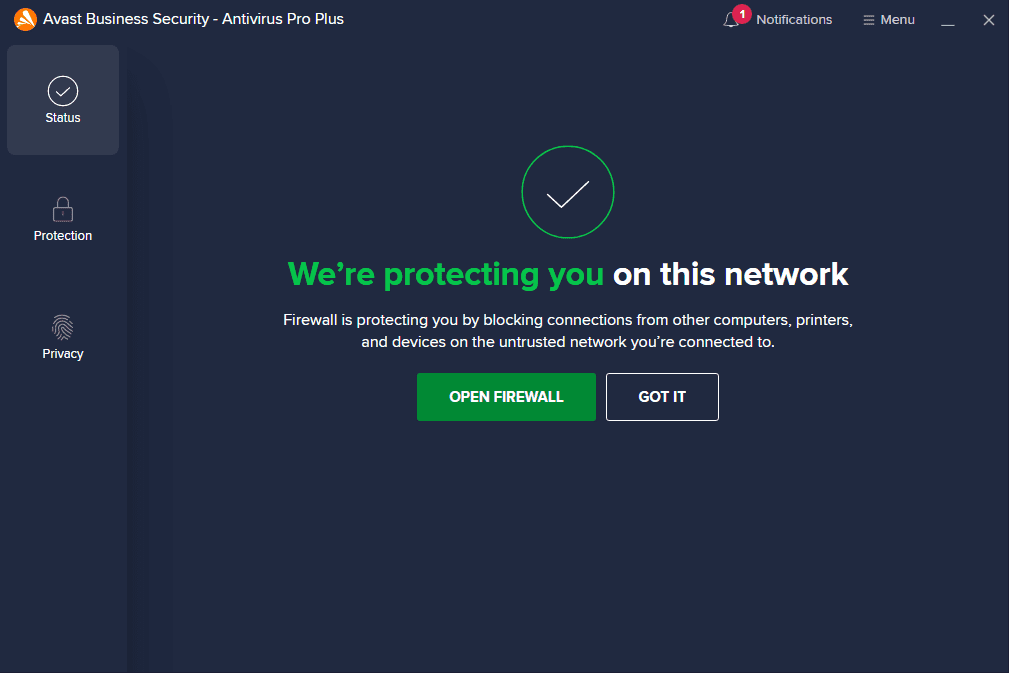
Avast Business Security is a multi-layered endpoint security suite designed to protect business networks — including Windows Servers — from ransomware, malware, phishing, and other cyberthreats.
|
👍 Pros |
👎 Cons |
🌟 Best For |
|
✔ Includes Ransomware Shield to block unauthorized apps ✔ Offers broader protection such as phishing, malware, and network threats ✔ Centralized Management through the Avast Business Hub |
× Agent deployment and configuration can be time-consuming × Full system scans can slow down servers |
● Small to medium businesses that need effective protection with simplicity ● Admin teams that need to protect mixed environments (endpoints, servers, email) |
5. Acronis Cyber Protect
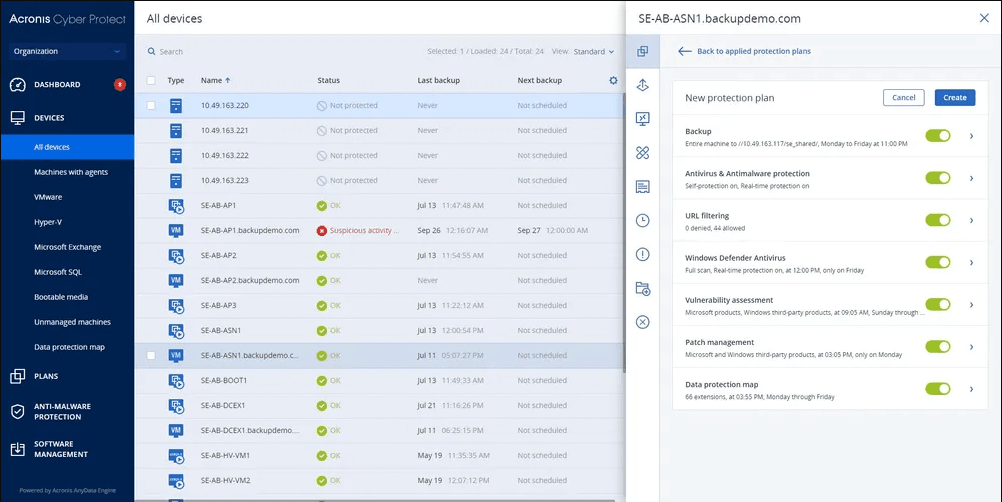
Acronis Cyber Protect is an integrated cybersecurity and data protection platform that combines next-generation ransomware defense, real-time threat detection, backup & recovery, and endpoint security into a unified solution.
|
👍 Pros |
👎 Cons |
🌟 Best For |
|
✔ Combines ransomware defense, antivirus, backup, and disaster recovery features ✔ Uses advanced AI and behavioral monitoring to detect suspicious activity ✔ Offers different plans for business needs |
× Pricier than basic solutions due to bundled features × Steep learning curve for full optimization × May impact underpowered servers |
● Mid-size to large enterprises that want unified security, ransomware, and backup ● MSPs that want to offer a combined cybersecurity and backup solution to clients |
Best Practices to Strengthen Windows Server Against Ransomware
Even the best ransomware protection software is far more effective when combined with strong system-level defenses. The following best practices help close common attack paths on Windows Servers:
1. Harden Windows Server and Reduce the Attack Surface
- Disable unnecessary services, ports, and legacy protocols (such as SMBv1).
- Remove unused roles and features to minimize exploitable components.
- Apply Microsoft security baselines to enforce hardened configurations.
A smaller attack surface means fewer opportunities for ransomware to gain a foothold.
2. Keep Systems Fully Patched and Updated
- Regularly install Windows Server security updates and hotfixes.
- Patch third-party applications and server components.
- Prioritize vulnerabilities related to remote execution and privilege escalation.
Many ransomware attacks exploit known vulnerabilities that remain unpatched.
3. Enforce Strong Access Control and Privilege Management
- Apply the principle of least privilege to all users and service accounts.
- Secure RDP with MFA, IP restrictions, and account lockout policies.
- Monitor and audit privileged account activity.
Limiting access prevents ransomware from spreading laterally across the network.
4. Segment the Network and Isolate Critical Servers
- Separate domain controllers, file servers, and backup servers into restricted network zones.
- Use firewalls and VLANs to control east-west traffic.
- Prevent servers from directly accessing the internet unless required.
Network segmentation contains infections and limits ransomware propagation.
5. Deploy Behavior-Based Ransomware Protection
- Use endpoint or server security solutions that detect suspicious encryption behavior.
- Enable features such as exploit protection, attack surface reduction rules, and tamper protection.
- Centralize alerts and logging for faster incident response.
Behavior monitoring is essential for detecting modern, fileless ransomware.
Conclusion
This page explores the 5 best ransomware protection for Windows Server. While built-in tools like Microsoft Defender provide a strong foundation, third-party security platforms enhance ransomware detection and response.
If you need a ransomware protection software integrated with the backup and recovery features, try AOMEI Backupper or Acronis Cyber Protect. However, AOMEI Backupper is more cost-effective and offers lifetime license without annual payment. Why not give it a shot?

 as a preferred
source on Google
as a preferred
source on Google